Microsoft Introduces Remote Lock for Enterprise Windows Devices
Microsoft has begun testing a new security feature called Remote Lock that enables enterprise IT administrators to remotely lock lost or stolen Windows devices without erasing data or removing the device from management. The feature is currently available in Windows 11 Insider Preview builds distributed through the Beta Channel (Build 26320.10003) and the Experimental Channel (Build 26340.10013), according to a November 17, 2026 announcement by Windows Insider communications lead Stephen Lines.
How Remote Lock Works
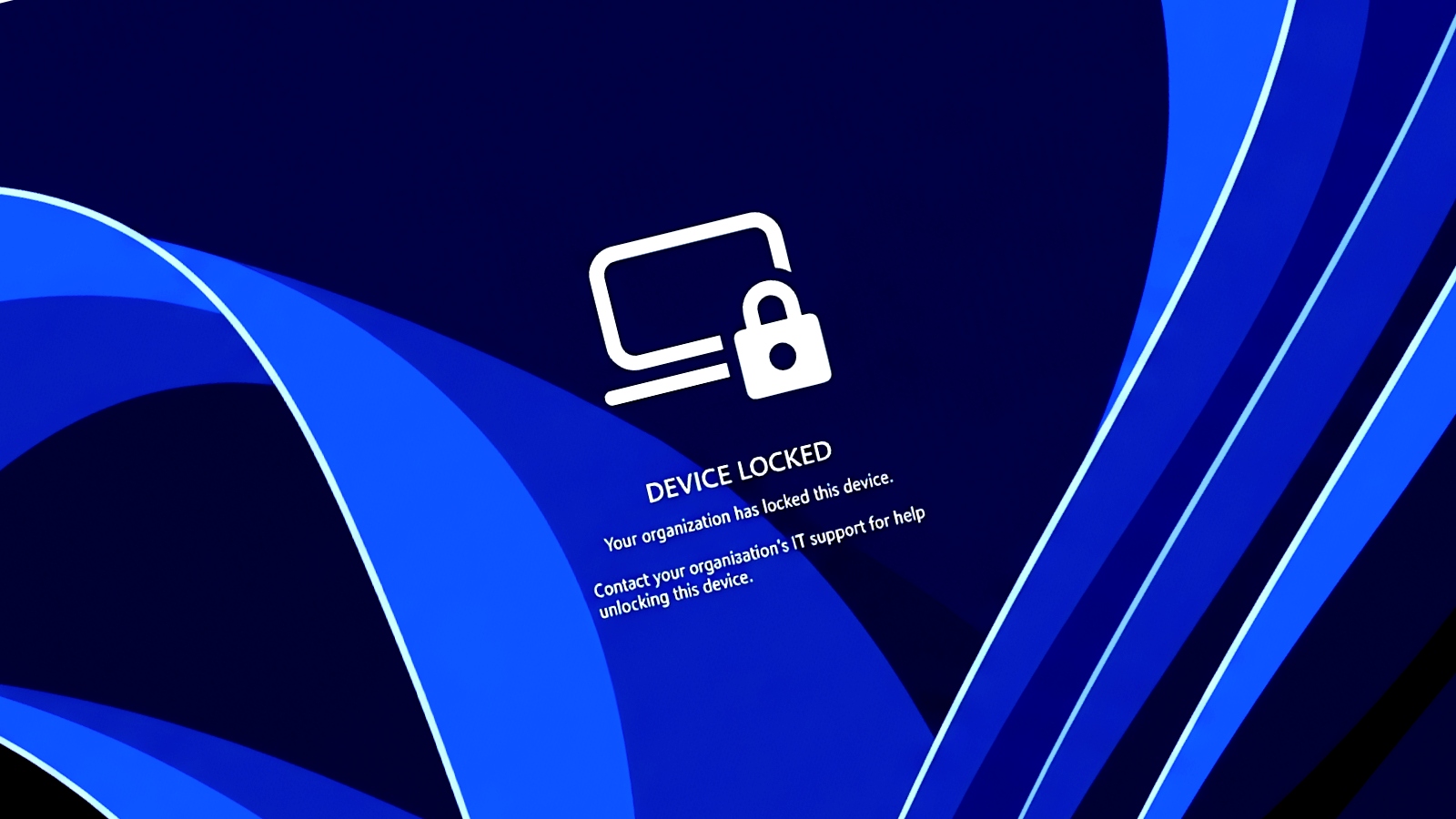
Remote Lock targets devices that are Microsoft Entra-joined, hybrid-joined, or MDM-enrolled and running Windows Enterprise, Education, or Pro editions. When an admin triggers a lock via Microsoft Intune, the device immediately signs out all active sessions, hides all sign-in options — including PINs, passwords, local administrator accounts, and web sign-in — and displays a locked screen. The lock persists across restarts and while the device is offline.
"Windows signs out every active session, hides all sign-in options and shows a locked screen. Nothing is erased: the device stays enrolled and managed, BitLocker stays on and user data stays in place. The lock holds across restarts and while offline, and only an admin can lift it remotely, so the user picks up where they left off."
Critically, the user's credentials remain valid and can still be used to sign into other devices that have not been locked. The device remains enrolled in Intune, BitLocker encryption remains active, and no data is wiped.
Configuration via Intune Custom Profiles
Admins configure Remote Lock using Microsoft Intune custom configuration profiles. The process involves creating two profiles:
- Lock Profile: In the Intune admin center, navigate to Devices > Windows > Configuration > Create > New policy. Select Windows 10 and later, then Templates > Custom. Name the profile (e.g., "Remote lock - ON") and add the OMA-URI setting with
LockState = 1. Assign this profile to a device group designated for locked devices. - Unlock Profile: Create a second custom profile with
LockState = 0and assign it to an unlock group. To unlock a device, move it from the lock group to the unlock group.
The lock applies at the device's next check-in with Intune. Admins can also use Intune's existing device isolation and wipe controls for additional remediation, though Remote Lock does not automatically isolate the device from the network or erase data.
BitLocker Requirement and Limitations
Microsoft emphasizes that BitLocker must remain enabled on locked devices to protect data if the device is reimaged or the storage drive is removed. The lock does not block access to the Windows Recovery Environment, Safe Mode, or booting from USB or other external media. This means physical access to the drive could still expose data if BitLocker is not active.
Additional Security Key Management Features in Preview
Alongside Remote Lock, the same Windows 11 Insider Preview builds introduce advanced security key management for FIDO2 security keys. These features allow users to view and manage individual passkeys stored on a FIDO2 authenticator. Admins can configure enterprise policies such as:
- Always-required user verification
- Minimum PIN length requirements
- Enterprise attestation settings
These enhancements align with Microsoft's broader push to strengthen passwordless authentication and hardware-backed credential protection in enterprise environments.
Recent Windows 11 Privacy and Security Updates
In August 2026, Microsoft also rolled out new privacy controls in Windows 11 that let users choose which desktop applications can access the microphone, camera, and precise location. These granular permissions give users more control over sensitive hardware sensors, complementing the enterprise-focused Remote Lock and FIDO2 management features.
Availability and Next Steps
Remote Lock and the FIDO2 security key management features are currently limited to Windows 11 Insider Preview builds in the Beta and Experimental channels. Microsoft has not announced a general availability date. Organizations using Intune for device management should evaluate these features in test environments to prepare for eventual production deployment, especially for scenarios involving lost or stolen devices where data preservation and rapid remediation are critical.
Source: BleepingComputer